A Comprehensive Guide to Multi-Platform VR Development


Introduction to Multi-Platform VR Development
Virtual Reality (VR) development has rapidly evolved, offering immersive experiences across various platforms. However, creating VR content that works seamlessly on multiple devices can be challenging. In this guide, we'll explore essential strategies and tools for successful multi-platform VR development.

Understanding Platform Differences
Each VR platform, whether it’s Oculus, HTC Vive, or PlayStation VR, has its own set of hardware capabilities and limitations. Understanding these differences is crucial for optimizing performance and ensuring a smooth user experience. Developers should consider resolution, refresh rates, and input methods when designing for multiple platforms.
For instance, while high-end PCs offer superior graphics capabilities, standalone VR headsets prioritize portability and ease of use. Balancing these factors is key to creating engaging content that reaches a wider audience.
Choosing the Right Development Tools
Choosing the appropriate development tools is critical for multi-platform VR projects. Popular engines like Unity and Unreal Engine provide comprehensive support for VR development, including cross-platform capabilities. These tools offer extensive libraries, plugins, and community support to facilitate development.
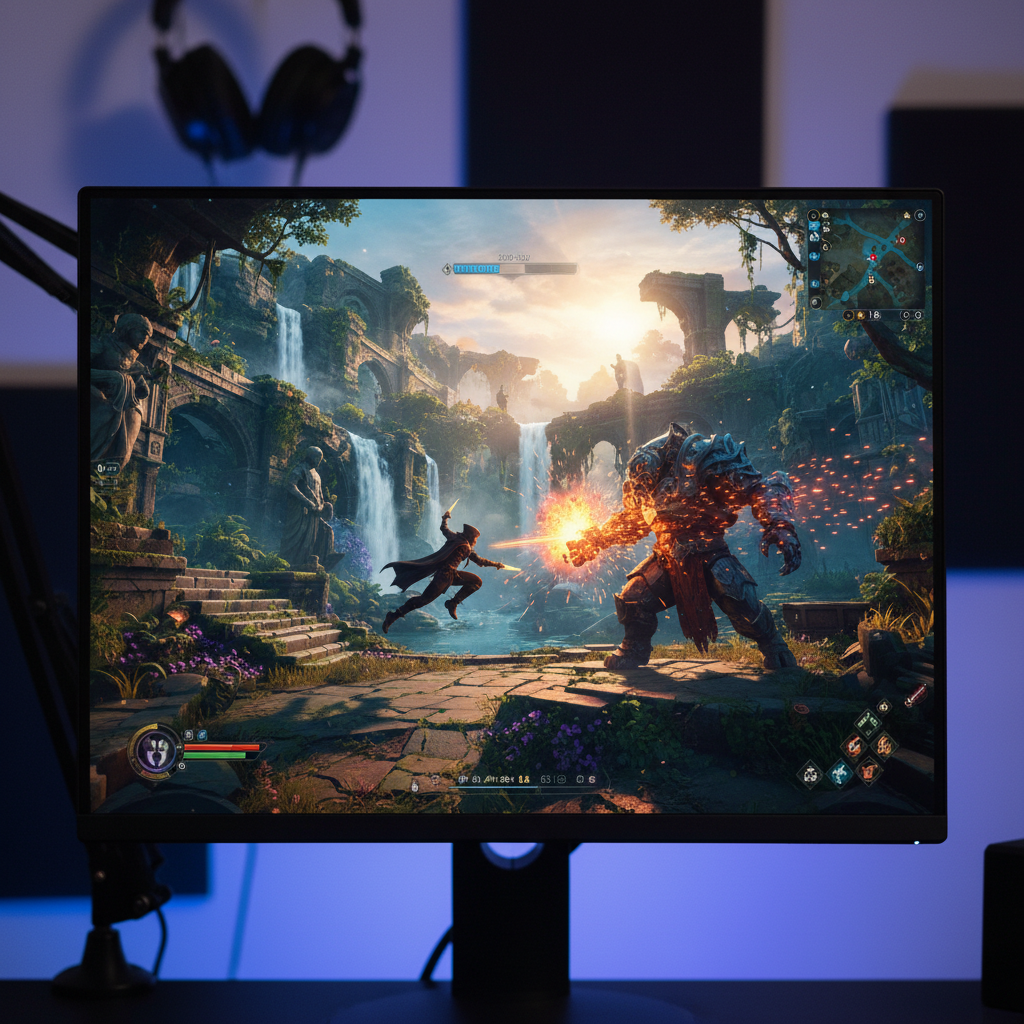
Unity, for example, supports a wide range of VR devices and offers intuitive interfaces for developers. Unreal Engine, known for its high-fidelity graphics, is also a strong contender, especially for projects requiring photorealistic environments.
Optimizing Performance Across Devices
Performance optimization is a crucial aspect of VR development. To ensure smooth performance across different platforms, developers should focus on reducing latency and ensuring a stable frame rate. Techniques such as level of detail (LOD) management and efficient texture compression can help achieve this.
- Use asset bundles to manage resources effectively.
- Implement occlusion culling to reduce rendering load.
- Leverage platform-specific SDKs for optimized performance.

Testing and Debugging
Rigorous testing is essential in multi-platform VR development. Testing should cover various hardware setups and input devices to identify potential issues early. Tools like VR performance analyzers and emulators can be invaluable in this phase, helping developers simulate different environments and configurations.
Additionally, gathering user feedback during beta testing can provide insights into user experience and uncover hidden bugs. This feedback loop is crucial for refining and enhancing the VR experience across all platforms.
Publishing and Marketing Your VR Experience
Once development and testing are complete, the next step is publishing your VR content. Each platform has its own submission guidelines and store requirements. Understanding these prerequisites is essential for a successful launch.

Marketing your VR experience effectively involves targeting the right audience through social media, VR communities, and collaborations with influencers. Highlighting unique features and cross-platform availability can attract a broader user base.
Conclusion
Developing VR experiences for multiple platforms can be a rewarding yet challenging endeavor. By understanding platform differences, choosing the right tools, optimizing performance, and conducting thorough testing, developers can create compelling VR content that captivates users across various devices. With careful planning and execution, your VR project can achieve widespread success.